Gruvbox: A Clean, Focused & Comfortable Coding Experience
Gruvbox is a trusted developer color theme designed to improve readability, reduce eye strain, and create a distraction-free coding environment. Use it across VS Code, Vim, Neovim, and more to make your coding experience smoother, cleaner, and more productive.
- Free & open source
- 40+ editors
- WCAG-tuned contrast
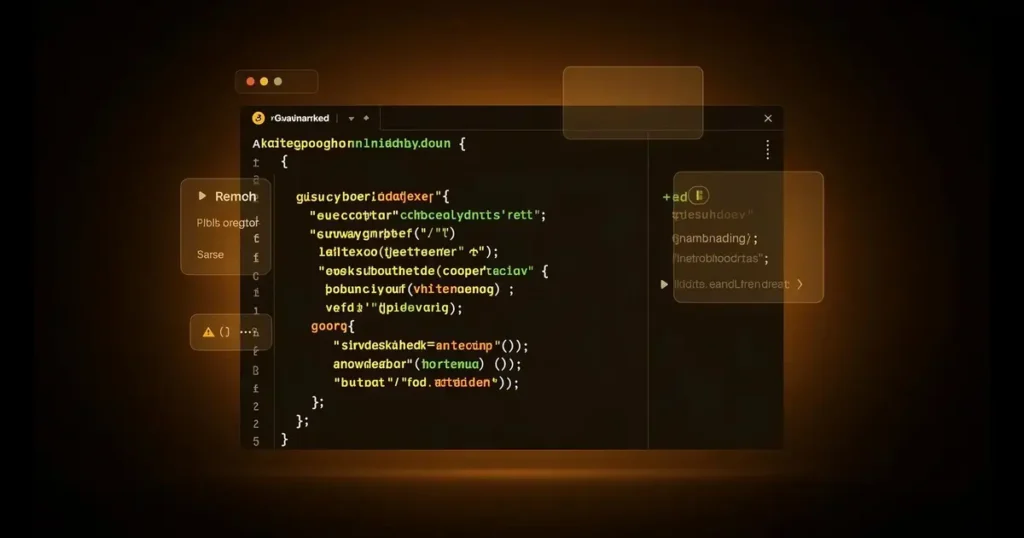
What is Gruvbox?
A Color Scheme That Improves Code Readability
Rather than presenting code as plain text, Gruvbox uses a carefully balanced palette to highlight functions, variables, comments, strings, and keywords in a way that feels natural and easy to follow. The result is a coding experience that reduces visual clutter, improves readability, and makes it easier to understand complex code structures.
Visual Studio Code
Vimode
Neovim
JetBrains IDEs
Terminal Applications
Linux Desktop Environments
Key Features
Engineered for focus, built for developers
Every design decision in Gruvbox optimizes for comfort, clarity, and the kind of consistency that compounds across thousands of hours of work.
Designed for Long Sessions
Comfort without sacrificing visibility, ideal for developers who spend hours writing and reviewing code.
Multiple Theme Variants
Dark and light versions to match your working environment and personal preference.
Flexible Contrast Options
Hard, Medium, and Soft contrast levels let you customize the visual experience to your needs.
Advanced Syntax Highlighting
Important code elements stand out clearly, helping you identify structure and errors faster.
Cross-Platform Compatibility
The same familiar appearance across Windows, Linux, and macOS wherever you code.
Broad Editor Support
Integrates seamlessly with VS Code, Vim, Neovim, JetBrains IDEs, and terminal emulators.
The Palette
Warm tones, carefully calibrated
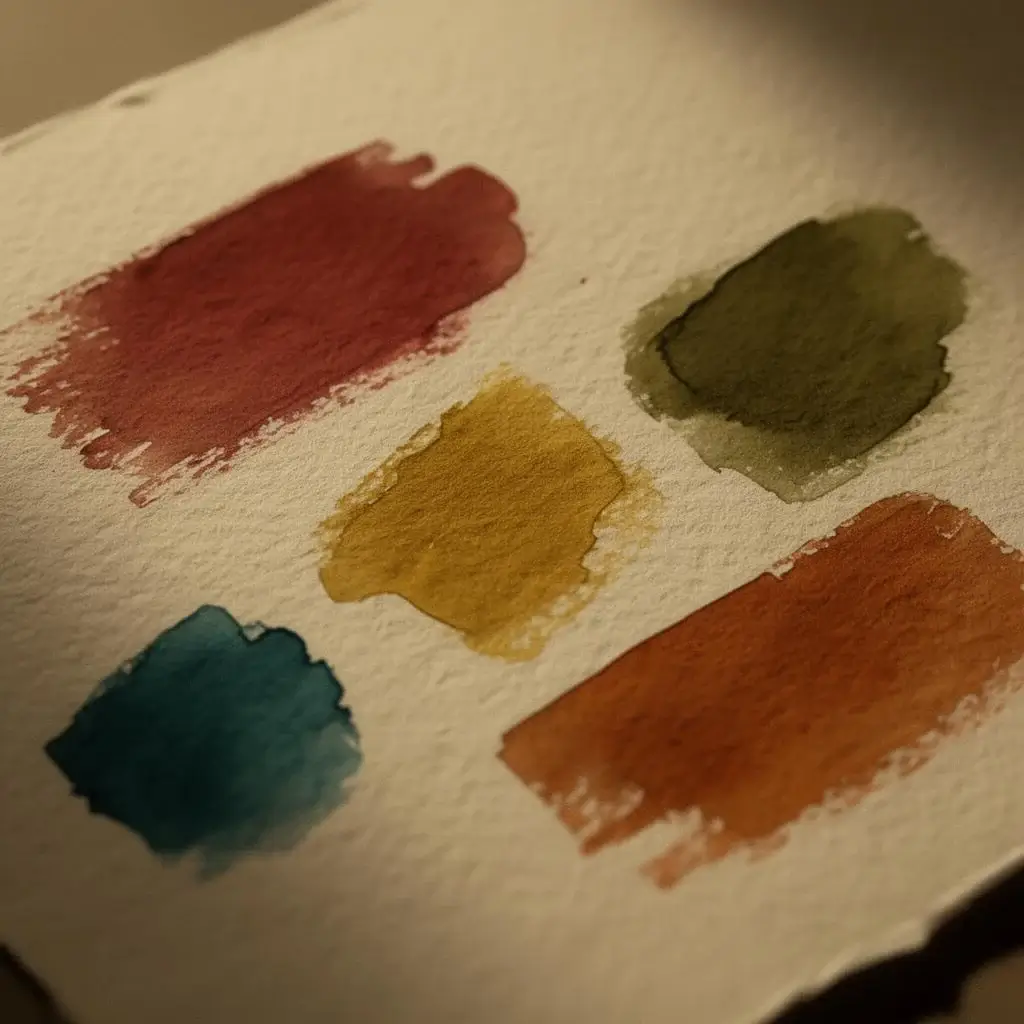
Unlike themes that rely on extreme contrast or neon, Gruvbox uses earthy tones that stay comfortable across extended work sessions while still creating clear visual hierarchy.
Functions
GreenInformation
YellowIdentifiers
BlueWarnings
RedEmphasis
OrangeConstants
AquaGet Started
Ready to Download Gruvbox?
Getting started with Gruvbox is quick and beginner-friendly. Whether you use Visual Studio Code, Vim, Neovim, JetBrains IDEs, terminal applications, or Linux desktop environments, Gruvbox can be installed in just a few minutes.
Gruvbox Theme Files
Available Theme Variants
VS Code Installation Guide
Vim and Neovim Setup Instructions
Terminal Configuration Help
Linux Compatibility Information
Troubleshooting Tips
If you’re ready to create a cleaner, more comfortable coding environment, download Gruvbox and follow the step-by-step setup guide.
Real Benefits
A workspace that disappears, so your work can take the stage
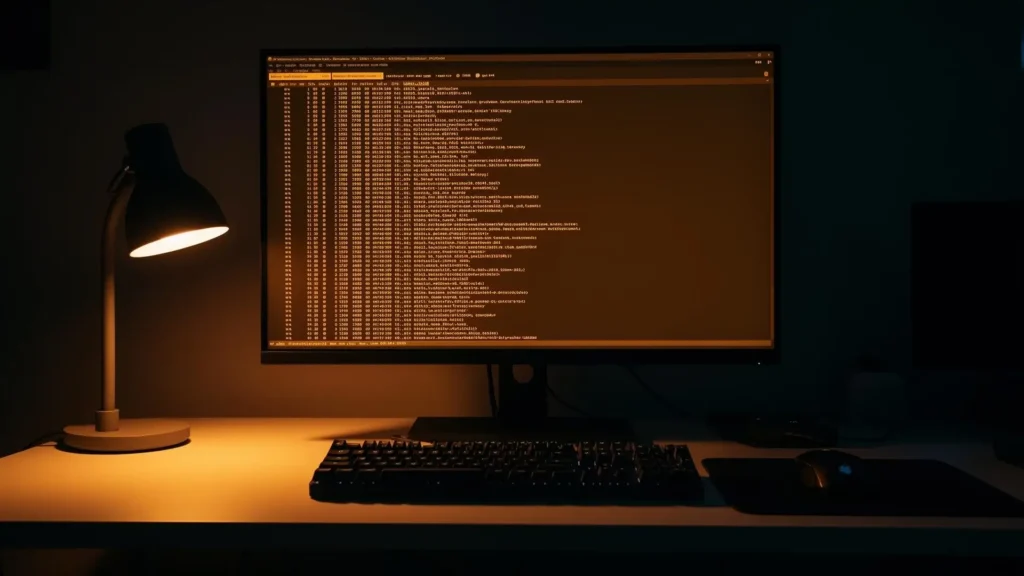
Work Longer Without Fatigue
The balanced palette reduces the strain of highly saturated themes.
Understand Code Faster
Clear syntax highlighting makes scanning files and finding bugs second nature.
Consistent Workspace
Use Gruvbox across editors, terminals, and desktops for a unified workflow.
Professional Setup
A polished appearance equally at home in personal projects and team environments.
Who It's For
If you live in a code editor, Gruvbox is built for you
- Software Developers
- Web Developers
- Linux Enthusiasts
- DevOps Engineers
- System Administrators
- Programming Students
- Open-Source Contributors
Gruvbox vs Other Themes
The long-term choice.
| Theme | Color Style | Eye Comfort | Best For |
|---|---|---|---|
| Gruvbox | Warm Retro Colors | Excellent | Long Coding Sessions |
| Dracula | Vibrant Colors | Good | Modern Development |
| Nord | Cool Blue Palette | Very Good | Minimalist Workflows |
| Catppuccin | Soft Pastel Colors | Good | Modern Aesthetic |
| Tokyo Night | Dark Neon Style | Good | UI-Focused Workflows |
FAQ's
Quick answers
Everything developers ask before installing Gruvbox.
Is Gruvbox free?
Yes. Gruvbox is completely free and open source.
Which variant is most popular?
Gruvbox Dark with Medium Contrast the recommended default.
Can I use it in VS Code?
Yes. Gruvbox is fully compatible with Visual Studio Code.
Does it support Linux?
Yes. Gruvbox works exceptionally well across all major Linux distros.
Is it beginner-friendly?
Absolutely, Installation is straightforward for users of every experience level.
Can I customize it?
Yes. Multiple variants, contrast settings, and community modifications are available.
Does Gruvbox support macOS?
Yes. Gruvbox is fully compatible with macOS and works with many popular applications and terminal emulators.
Is Gruvbox available for terminal emulators?
Yes. Gruvbox supports terminal emulators such as iTerm2, Alacritty, Kitty, GNOME Terminal, and many others.
Can I use Gruvbox with Neovim or Vim?
Absolutely. Gruvbox was originally designed for Vim and remains one of the most popular themes for Vim and Neovim users.
Does Gruvbox have a light theme version?
Yes. In addition to the popular dark variant, Gruvbox also includes light theme options.
Why is Gruvbox so popular among developers?
Gruvbox offers a carefully balanced color palette that reduces eye strain while maintaining excellent code readability.
Can I install Gruvbox without coding experience?
Yes. Most editors provide simple installation methods through extensions or theme marketplaces.
Does Gruvbox receive updates?
Yes. The community actively maintains and improves Gruvbox implementations for various platforms and applications.
Which programming languages work best with Gruvbox?
Gruvbox supports syntax highlighting for virtually all major programming languages, including Python, JavaScript, C++, Go, Rust, and PHP.
Can I use Gruvbox for long coding sessions?
Yes. Its warm, low-contrast color palette is specifically designed to provide a comfortable viewing experience during extended use.
Are there community-made Gruvbox variants?
Yes. Many developers have created custom Gruvbox forks, modifications, and enhanced versions with additional color options and features.
Gruvbox: Clean, Focused & Comfortable Coding for Developers
Gruvbox is a trusted developer theme for better readability, reduced eye strain, and distraction-free coding in VS Code, Vim, Neovim and more. #Gruvbox
Price: Free
Price Currency: $
Operating System: Windows, macOS, Linux
Application Category: Software
4.9